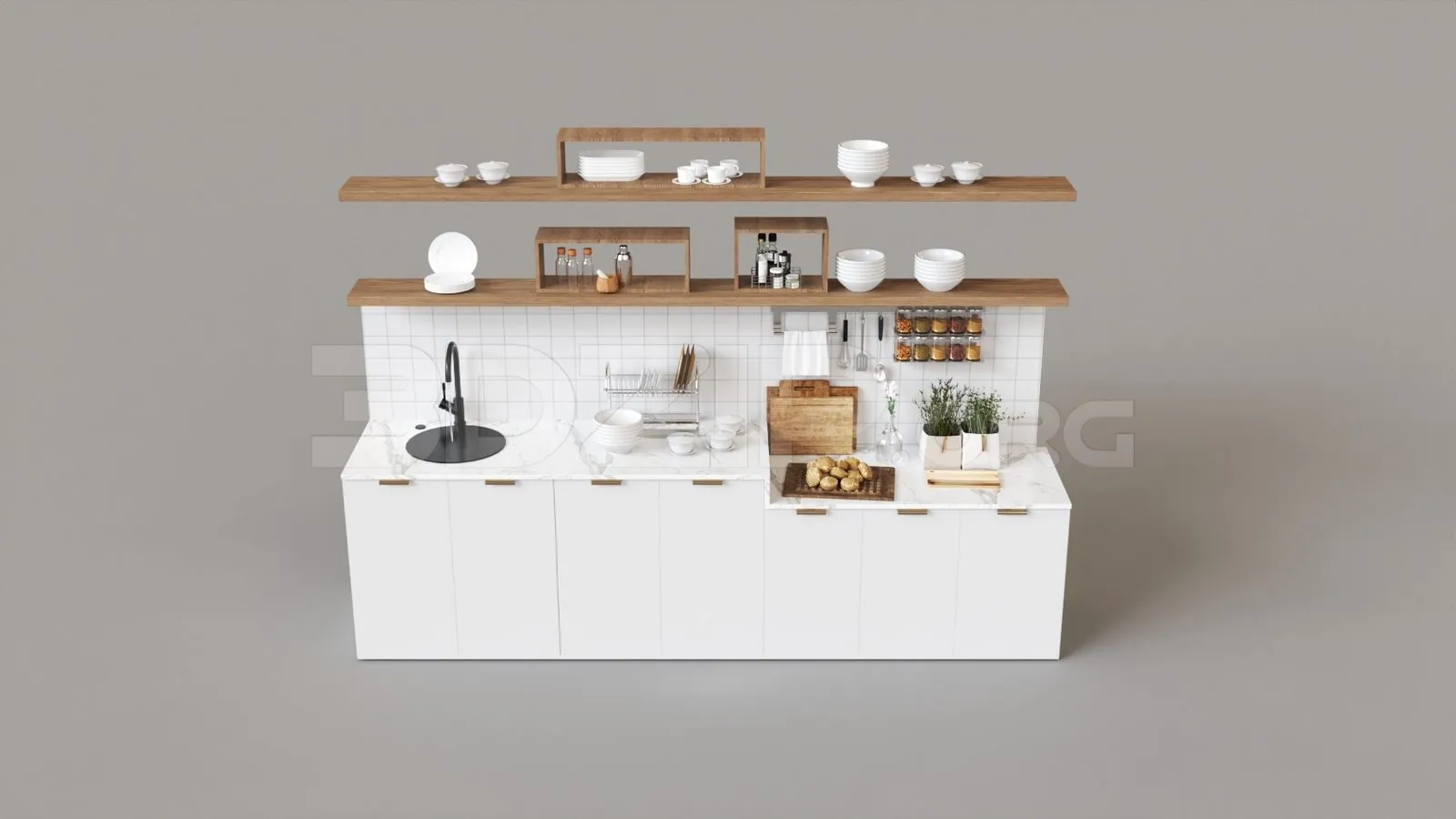
Choosing the Right Kitchen Decor 3D Max Model
Selecting the appropriate kitchen decor 3D Max model is the first step towards creating stunning visualizations. The right model will not only save you time but also ensure accuracy and realism in your designs. Consider the style of your kitchen the size and shape of the space, and the specific elements you want to include, such as cabinets, countertops, appliances, and decorative items. High-quality models with detailed textures and realistic geometry are essential for professional-looking results. Furthermore, ensure that the models are compatible with your version of 3D Max and any rendering engines you plan to use. Choosing the right model involves assessing its compatibility, level of detail, and overall aesthetic to match your design vision. Prioritize models with good polygon counts to avoid performance issues during rendering, but avoid models that are overly complex, as they can slow down your workflow.
Understanding Different 3D Modeling Software
While this article focuses on 3D Max, it’s beneficial to understand the broader landscape of 3D modeling software. Various programs offer unique features and workflows. Software like SketchUp is known for its ease of use, making it ideal for quick concept modeling, while Blender is a powerful, free, and open-source option popular for its versatility in modeling, animation, and rendering. Other professional-grade options like Maya are industry standards in film and game development. Understanding the strengths and weaknesses of each software can help you choose the best tool for specific tasks. For kitchen decor projects, 3D Max provides a robust platform for detailed modeling and high-quality rendering. However, you might use other software for pre-modeling or specific tasks, making a basic understanding of the broader software ecosystem beneficial for your workflow.
3D Max Basics

Before diving into kitchen decor models, familiarize yourself with 3D Max basics. Start with the interface the viewport navigation, and essential tools for object creation and manipulation. Understanding the coordinate system, units, and object properties are fundamental. Practice creating simple shapes, modifying them using tools like extrude, bevel, and lathe, and transforming objects through scaling, rotating, and moving. Learn about modifiers, which allow you to apply non-destructive effects to your models. Also, explore the concept of grouping objects to organize your scene. Mastering these basics will provide a solid foundation for more complex modeling tasks, allowing you to efficiently create and modify kitchen elements.
Interface and Navigation
The 3D Max interface might seem intimidating at first but taking the time to understand it is crucial. Familiarize yourself with the main components, including the command panel, viewport navigation controls, and the timeline. Customize the interface to suit your workflow, arranging the panels and toolbars to your preference. Learn to navigate the viewports using the mouse and keyboard shortcuts; this will allow you to quickly move around your scene. Explore the different viewport layouts and how to switch between them. Also, understand the object selection methods and how to use layers to organize your scene. Efficient interface navigation and customization can significantly speed up your modeling and design process.
Modeling Techniques
When it comes to modeling kitchen decor, learn different techniques to create various elements. Polygonal modeling is a fundamental approach, involving creating shapes from polygons and then manipulating them to achieve the desired form. Subdivision surface modeling allows for creating smooth, organic shapes, useful for designing countertops, curved cabinets, or decorative details. Utilize modifiers to enhance the shapes of your models. For instance, the lathe modifier can be used to create decorative columns, while the bend modifier can curve objects. Additionally, learn how to use splines to create complex shapes and then convert them to editable meshes for detailed manipulation. Experimenting with these techniques will allow you to create a wide range of kitchen decor models.
Lighting and Materials for Kitchen Decor

Lighting and materials are essential for creating realistic and visually appealing kitchen decor visualizations. Proper lighting can enhance the atmosphere and highlight key design elements. Learn about different light types such as spotlights, omni lights, and IES lights, and how to use them to simulate natural and artificial lighting. Material creation involves defining the surface properties of objects, including color, texture, reflectivity, and transparency. Explore material editors and learn how to apply textures, create realistic reflections, and adjust surface roughness. Also, experiment with HDRI environments for realistic global illumination. Mastering lighting and materials will dramatically improve the quality of your renders, making your kitchen designs come alive.
Applying Realistic Materials
Creating realistic materials is critical for adding depth and detail to your kitchen decor models. Start by understanding the basic material properties like diffuse color, specular highlights, glossiness, and reflectivity. Use texture maps to add surface detail. Learn about different texture maps such as diffuse maps, normal maps, and specular maps, and how they affect material appearance. For instance, a wood texture map can be applied to cabinets, a marble texture to countertops, and a stainless steel texture to appliances. Adjust the material parameters to achieve the desired effect, such as the roughness of the cabinets or the shine of the countertops. Experiment with material libraries and online resources to find high-quality textures for your kitchen decor.
Optimizing Lighting
Optimizing lighting is crucial to achieve realistic and visually appealing renders. Start by setting up the main light sources in your scene, such as sunlight or artificial lights. Use IES profiles to simulate the light distribution of real-world light fixtures. Experiment with global illumination settings, such as indirect lighting and ambient occlusion, to achieve realistic lighting and shadows. Also, adjust the intensity and color of the lights to create the desired mood. Consider using render elements to control the final output of your scene, which can be used for post-processing and enhancing the overall visual appeal. Good lighting can highlight the design’s features and create a convincing sense of space and realism.
Essential Design Tips for Kitchen Decor

Designing kitchen decor involves considering both aesthetics and functionality. To create successful designs, incorporate these essential tips to guide your work and ensure that your models not only look great but are also practical. Consider the overall style of the kitchen, whether it’s modern, traditional, or contemporary. The choice of materials, colors, and finishes should align with the style. Pay close attention to the flow of the design, and consider how the layout of the kitchen decor will affect the user experience. Create a design that is both visually appealing and highly functional. Finally, always test your designs and seek feedback. Use these tips to elevate your kitchen decor 3D Max models and create stunning, user-friendly designs.
Focus on Functionality
When designing kitchen decor, always prioritize functionality. Consider the layout of the kitchen, including the work triangle—the relationship between the sink, stove, and refrigerator. Ensure that the layout is efficient and easy to move around. Think about storage space and how to maximize it with cabinets, drawers, and shelves. Design for accessibility, considering the needs of users with mobility issues. Consider the placement of appliances and how they integrate into the overall design. Moreover, think about the workflow in the kitchen; design the space with the user in mind, anticipating their needs and providing a smooth, efficient experience.
Considering Aesthetics
While functionality is key, aesthetics are equally important in kitchen decor. Consider the overall style and theme you are aiming to achieve. Choose colors, materials, and finishes that complement each other and create a cohesive look. Pay attention to details like cabinet hardware, countertop edges, and lighting fixtures; these details can significantly impact the overall visual appeal. Consider the use of textures and patterns to add visual interest. Use the models to create a sense of space; ensure that all the elements work together harmoniously to create a welcoming and attractive kitchen. The ultimate goal is to design a kitchen that is both beautiful and a pleasure to use.
Adding Personal Touches

Adding personal touches to your kitchen decor models is an excellent way to make the design unique and tailored to your clients. This could include adding decorative items such as plants, artwork, or personal objects that reflect the homeowner’s personality and style. Incorporate custom design elements like unique cabinet designs or specialized storage solutions. By adding personal touches, you can create a kitchen design that feels more like a home. Discussing the preferences of the client during the design process and integrating those preferences into the model is a great way to create designs that meet their needs.
Rendering and Presentation Techniques
Once you have modeled your kitchen decor and applied materials and lighting, it’s time to render the scene. Rendering is the process of generating an image from your 3D model, and the quality of your render greatly impacts the final presentation. There are several rendering engines available in 3D Max, such as V-Ray, Corona Renderer, and Arnold. Explore their features and settings to achieve the desired level of realism. Once you have generated your renders, it is crucial to format the images for the presentation. These techniques, combined with your creativity, will help you present your kitchen decor designs professionally.
Setting Up the Render
Setting up the render involves adjusting various settings to achieve the desired quality and speed. Choose a rendering engine that suits your needs and the project’s requirements. Configure the rendering parameters such as resolution, sampling rates, and global illumination settings. Experiment with different settings to find a balance between quality and rendering time. Use render presets to save time and ensure consistent results. Also, optimize your scene by reducing the polygon count and simplifying complex materials to speed up rendering. Once you have set up your render, perform test renders at a lower resolution to ensure the settings are correct. Then, start the final render, and the results should be what you want.
Post-Processing and Editing
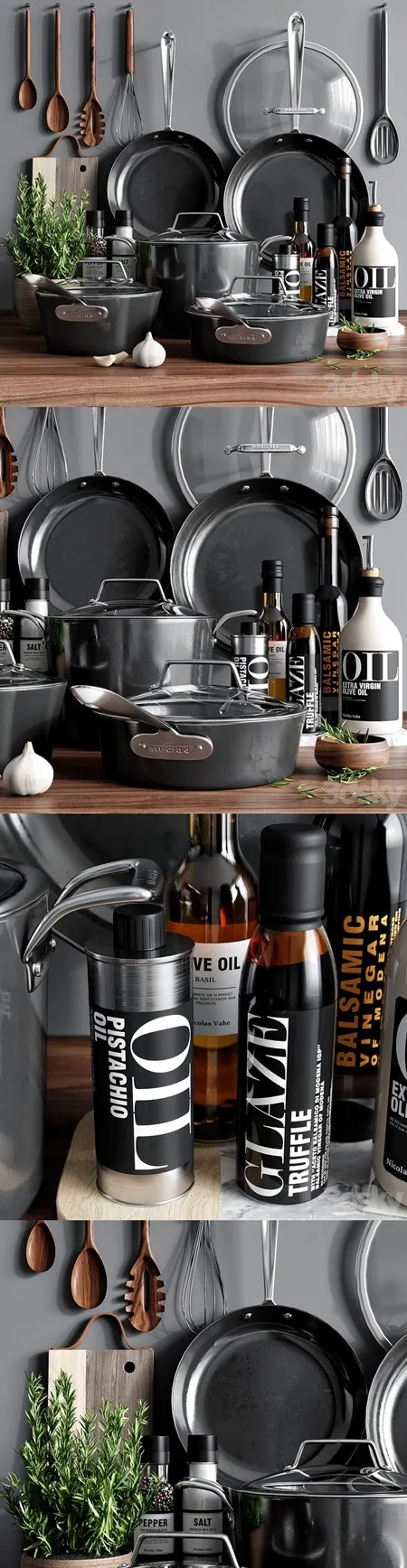
Post-processing and editing are crucial for refining the final renders and adding finishing touches. Use image editing software such as Photoshop or GIMP to adjust colors, enhance contrast, and add special effects. Correct any imperfections or artifacts in the render. Use masking techniques to make selective adjustments to specific parts of the image. Add details such as lens flares, depth of field, and other visual effects to enhance realism and visual appeal. Furthermore, add final touches such as color grading, which can significantly impact the mood and tone of the image. Through post-processing, your renders can be turned into visually stunning presentations of your kitchen decor designs.
Where to Find Kitchen Decor 3D Models
Finding high-quality 3D models is essential for creating effective kitchen decor visualizations. Various online resources offer a wide range of models, from individual elements to complete kitchen sets. Choosing the right model depends on your specific needs, your budget, and the level of detail you require. Explore online marketplaces, model libraries, and even free model repositories to find the assets that will help you bring your kitchen designs to life.
Online Marketplaces
Online marketplaces are excellent sources for purchasing 3D models of kitchen decor. Websites like TurboSquid, CGTrader, and 3Dsky offer a vast selection of models from various creators. These marketplaces typically provide models in different formats compatible with 3D Max and other software. Browse through the listings and compare the quality, price, and features of different models. Read the reviews and check the ratings of the models. Be sure to verify the license terms and conditions to understand how you can use the models. Also, review the product descriptions, and look for models with textures and materials already applied. Online marketplaces provide a convenient way to find models for specific needs.
Model Libraries

Model libraries offer curated collections of 3D models, often with premium quality and features. Some libraries, such as Evermotion and 3D Warehouse, provide a wide range of kitchen decor models created by professionals. These libraries often offer models with high levels of detail, realistic textures, and pre-configured materials. They are frequently organized and searchable, allowing you to quickly find specific objects. Model libraries sometimes offer subscription plans for unlimited access, which can be cost-effective if you frequently create kitchen decor visualizations. Check the licensing terms, model formats, and model compatibility before purchasing. Utilizing model libraries can save time and ensure your projects have high-quality, professional models.
Tips for Success with Kitchen Decor 3D Max Models
Succeeding in kitchen decor 3D modeling requires a combination of technical skills, design sense, and a strategic approach. By incorporating the following tips into your workflow, you can enhance your ability to create professional, visually appealing kitchen designs. Stay focused, practice consistently, and continue to evolve your abilities to create designs that bring the vision to life. Take on challenges and always seek ways to improve the quality of your models.
Practice and Experimentation
The key to success in 3D modeling is consistent practice. Dedicate time to practicing various techniques such as modeling, texturing, lighting, and rendering. Experiment with different tools and settings to expand your skill set and discover new methods. Try to recreate existing kitchen designs to develop your understanding of modeling and visualization. Review tutorials, follow online courses, and practice the workflows that you learn. Don’t be afraid to experiment with new approaches and techniques to enhance your skills. By constantly practicing and experimenting, you will build up your proficiency and produce superior results.
Staying Updated with Trends
The field of kitchen decor and 3D modeling is continuously evolving. Staying updated with the latest trends, software updates, and design practices is essential to maintain a competitive edge. Follow industry blogs, websites, and social media accounts to stay informed about new techniques, design ideas, and software releases. Also, attend workshops and online courses to expand your knowledge and refine your skills. Consider joining design communities and forums to learn from other professionals. By staying updated, you will keep your kitchen decor 3D Max models relevant and appealing, allowing you to provide outstanding results.